
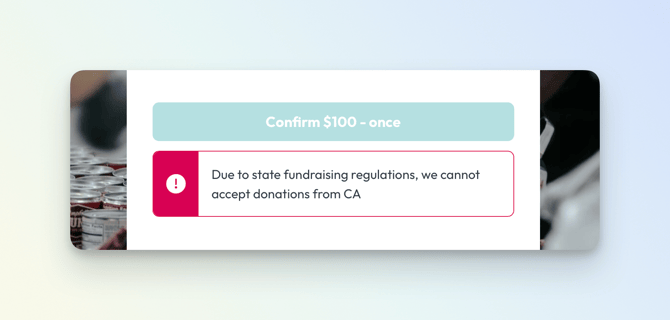
The State Restrictions feature allows you to block donations from specific states so your organization can comply with state‑specific fundraising and giving rules. When a state is restricted, donors who enter an address in that state will see an error message explaining that your organization cannot accept donations from their state and will not be able to complete a gift.
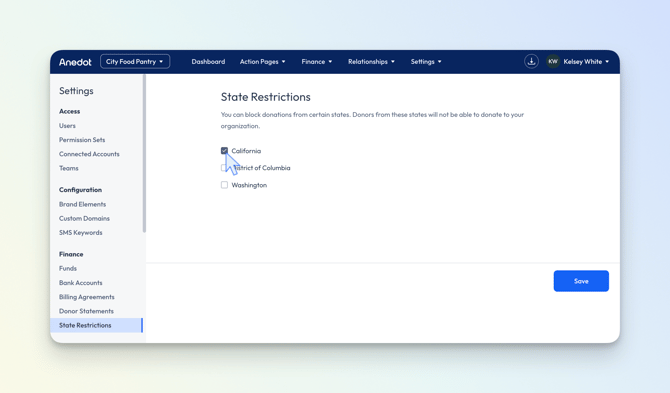
To enable State Restrictions, check the box next to the state you need to restrict, and be sure to click Save.