
To create or access your Donor Account, follow these steps:
- Go to: https://donor.anedot.com/support
- Enter the email address you use when making donations so your giving history can be linked to your account.
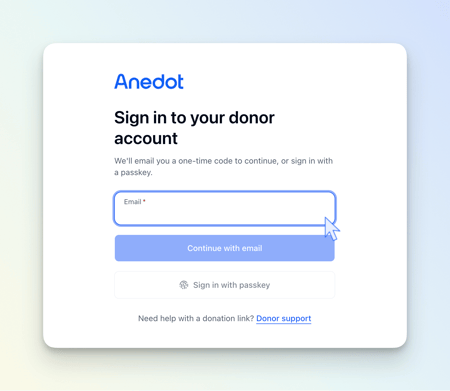
- A verification code will be sent to that email address.
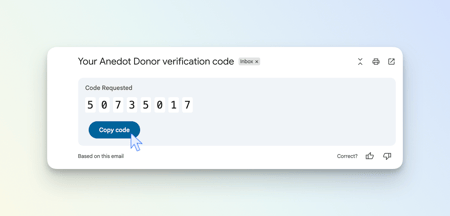
- Open your email inbox and find the email from no-reply@anedot.com.
- Copy the verification code and paste it into the login page. The code sent to your email inbox will be unique. Do not use the verification code shown in the image.
- After you submit the code, you will be taken to your Donor Account dashboard, where you can view and manage your giving through Anedot.